
Beat Maker
Build beats and patterns step-by-step with a full-featured beat sequencer right in your browser. Layer drums, synths, and samples on a grid, add swing and humanize, chain patterns into songs, and export everything as WAV, stems, or MIDI.
The Full Beat Maker Workspace
Everything you need to sequence, layer, arrange, and export — in one powerful interface.
Step Sequencer Grid
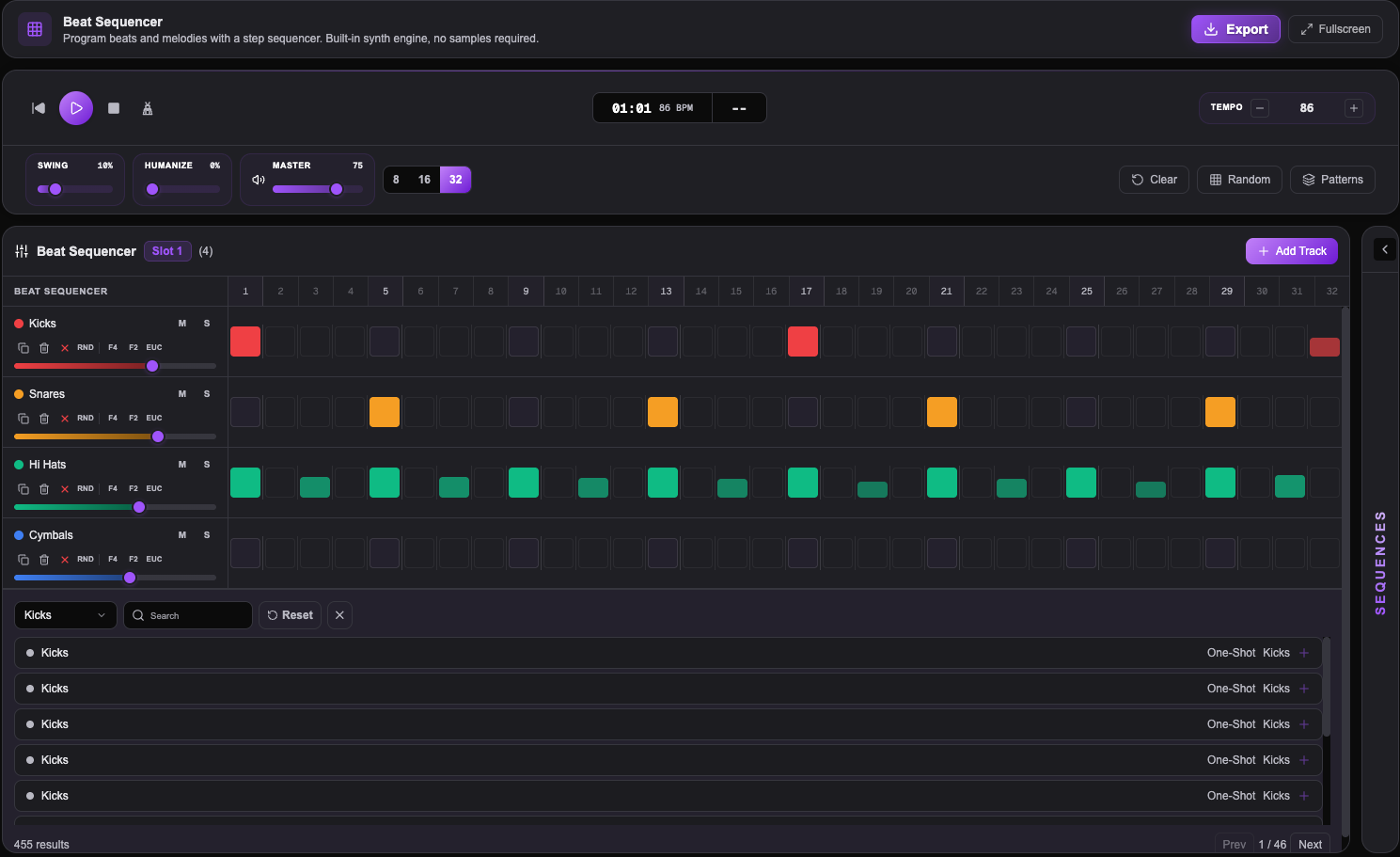
CoreBuild beats on an 8, 16, or 32-step grid. Click cells to trigger sounds, drag to paint patterns, and shift-scroll for per-step velocity control.
Multi-Track Layering
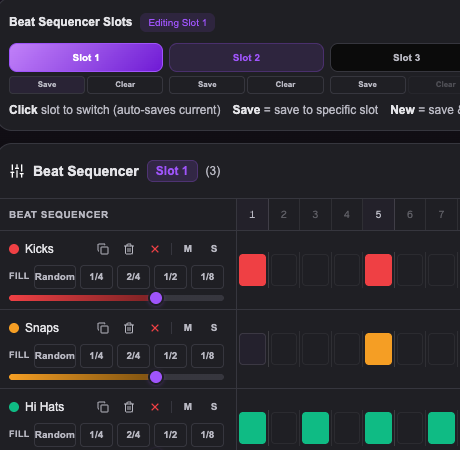
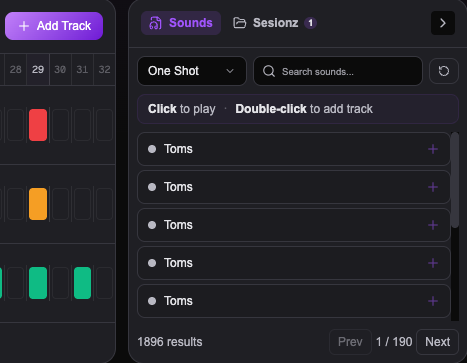
TracksLayer kick, snare, hi-hat, clap, bass, lead, pad, and custom samples. Each track has independent volume, mute, solo, note, and octave control.
Swing & Humanize
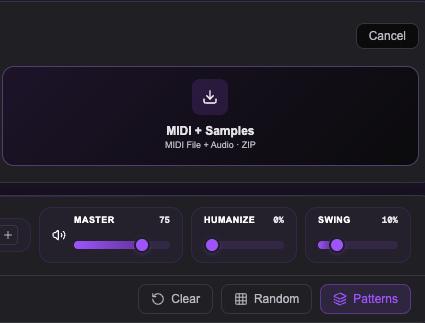
FeelAdd groove with swing timing up to 60% and humanize for natural velocity and timing variation. Make your beats feel played, not programmed.
Pattern Slots & Chain Mode
ArrangementSave up to 8 pattern slots, switch between them live, enable chain mode to auto-cycle, or use song mode to arrange patterns into a full sequence.
Euclidean Fill & Randomize
CreativeGenerate euclidean rhythms, fill every Nth step, or randomize individual tracks and entire patterns. Spark ideas fast with algorithmic fills.
Save & Load Sessions
WorkflowName and save your beat sessions to your account. Load them back anytime, on any device. Your patterns persist automatically.
WAV Mixdown
Export your full beat as a single high-quality WAV file. Ready for your DAW, video, or sharing.
Stems (Per-Track WAV)
Export each track as its own WAV file in a ZIP. Perfect for mixing and mastering in external software.
MIDI + Samples
Export a standard MIDI file alongside all audio samples in a ZIP. Open in any DAW or beat-making software.
Ready to Make Beats?
Upgrade to Studio Pro and unlock the full Beat Maker with all instruments, pattern slots, and export options.